Install WSL 2 to Run Linux on Windows
· 1 min read · #wsl #ubuntu #linux
These notes provide instructions on how to install a Linux environment on a Windows operating system.
First, run PowerShell as Administrator, then run the following command:
wsl --installWindows PowerShell will then start the installation.
Downloading: Windows Subsystem for Linux 2.6.3
[==========================61.2%====                       ]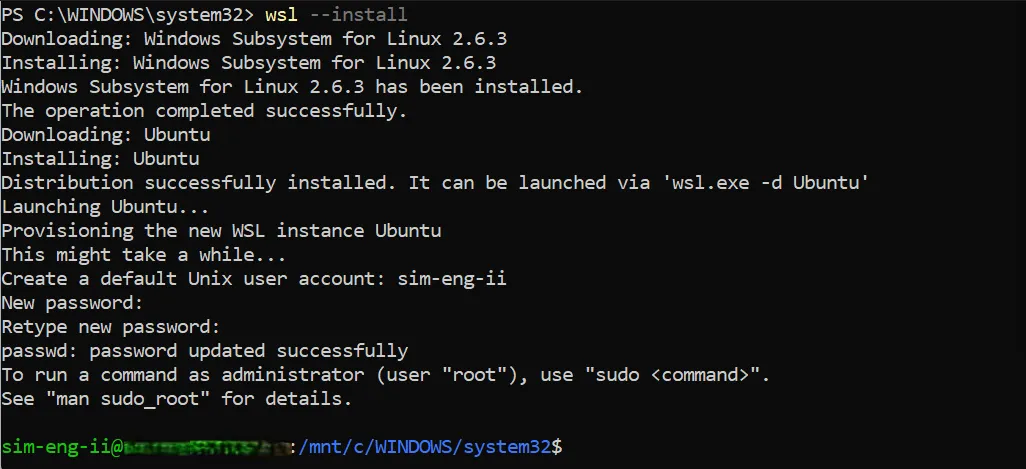
Figure 1: Completed installation of WSL 2
Once completed, you will be prompted to enter a username and password to access the Ubuntu instance.
One can also test the installation in another shell by running the following command:
wsl --list --verbosewhich returns an output of the type,
  NAME      STATE           VERSION
* Ubuntu    Running         2
Finally, make sure version 2 is used by default if not, set it by running:
wsl --set-default-version 2